How to Write Podcast Show Notes from a Transcript in 20 Minutes
Show notes are the text that goes with a podcast episode: what it is about, who is in it, where the good parts are, and the links you mentioned. They are read by three audiences with nothing in common — a listener deciding whether to press play, a listener who heard something and wants the link, and a search engine that cannot hear anything at all — and they take twenty minutes if you start from a transcript and a chapter list, and two hours if you start from memory.
This is the twenty-minute method, with a template, and a section on what changes for a Hindi, Telugu or regional-language show.
The short version
- Start from the transcript and the chapters, not from memory. Both exist already if you edited the episode from its transcript.
- Write a two-sentence summary for the listener deciding whether to play.
- Paste the chapter list with timestamps.
- Pull three quotes from the transcript, verbatim.
- List every link, name and resource mentioned — search the transcript for them.
- Add the boilerplate — guest bio, where to follow, credits — from a saved block.
What are show notes for?
Three readers, and a good set of notes serves all three in order.
The undecided listener sees the first two lines in a podcast app, usually truncated. They need to know what the episode is about and why it is worth an hour. This is the summary, and it is the only part most hosts write.
The listener who wants the thing. Halfway through, the guest mentioned a book, a tool, a study. This listener opens the notes looking for it. If the link is there, they think well of the show; if it is not, they think slightly less of it, every time. This is the links section, and it is the part most hosts skip because it means going back through the episode — which is exactly what the transcript is for.
The search engine cannot listen. Everything it knows about the episode is the text on the page: the summary, the chapter titles, the quotes, the names. An episode with a title and a one-line description is invisible; an episode with 300 words of specific text is findable by anyone searching for the topic or the guest. This is the whole page, and it is why show notes are the cheapest audience growth a podcast has.
The template
Copy this into wherever your notes live and fill it in from the top.
[Two-sentence summary: what this episode is about and the one
thing a listener will take from it.]

In this episode
00:00  Intro
03:40  [Chapter title]
12:15  [Chapter title]
…

"[Verbatim quote, one sentence.]" — Guest name
"[Second quote.]" — Guest name

Mentioned in this episode
- [Book / tool / person] — link
- [Study / article] — link
- …

About [Guest]
[Two lines. Where to find them.]

[Standing block: follow the show, credits, how to support.]
Step by step, from a transcript
1. The summary (five minutes)
Read the first chapter and the last. The first tells you what the episode set out to do; the last tells you what it concluded. Write two sentences: the topic, and the take-away. Resist the urge to list every subject covered — that is what the chapters are for — and resist the "we talk about X, Y, Z and so much more" construction, which tells the undecided listener nothing.
2. The chapters (two minutes)
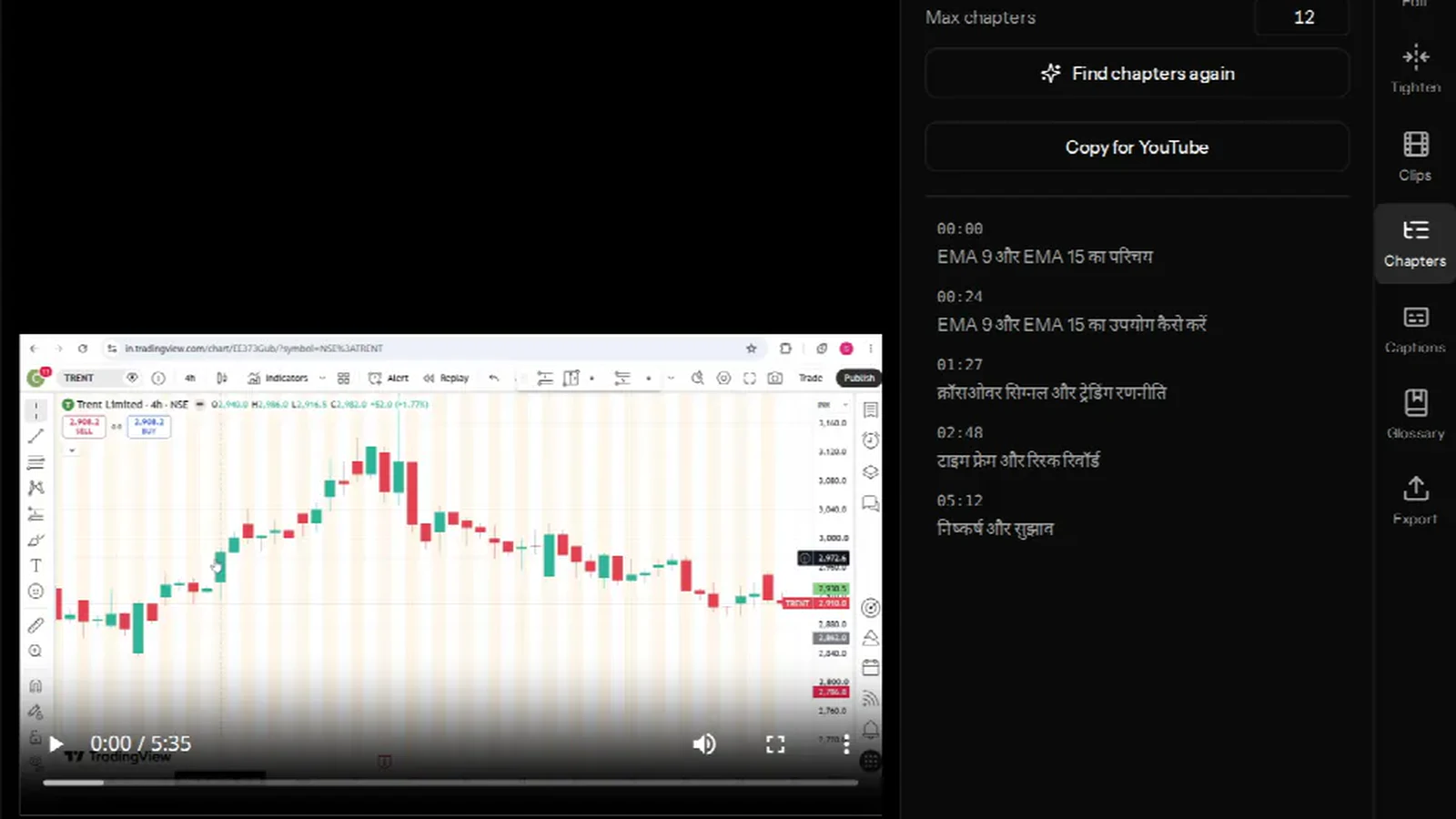
If you generated chapters for the video version — the YouTube chapter block — paste the same block. Podcast apps read the same MM:SS Title format from the notes and show it as a chapter list. Check the titles say what the section is about rather than how it starts; retitle any that do not. Six to ten chapters is the useful range for an hour.
3. The quotes (five minutes)
Scroll the transcript for the three lines you remember the guest saying. Because the transcript is verbatim, you can copy the exact words rather than paraphrasing, which matters twice: the guest will share a page that quotes them accurately, and a search engine will match the exact phrase. One sentence each, attributed. If the guest said it in Hindi, quote it in Hindi — see below.
4. The links (five minutes)
This is the section that wins the second reader, and it is a search, not a memory exercise. In the transcript, look for the words that signal a reference — book, called, website, app, study, paper, episode, I'll link — and every proper noun the guest introduced. Each one becomes a line with a link. If you promised to "put that in the show notes" on air, this is where you find out whether you did.
5. The boilerplate (one minute)
Guest bio and where to find them, then your standing block. Keep the standing block as a saved snippet; do not retype it.
What changes for a Hindi or regional-language show?
Three things, all of them about script.
Write the summary in the language of the show, in its own script. A Hindi podcast with an English summary is addressing the wrong listener. The exception is a genuinely bilingual show, where a summary in both is worth the extra lines.
Quote in the script it was said in. A Hindi transcript from a good pipeline keeps Hindi in Devanagari and English words in Latin letters, and a quote copied from it will read the way it sounded. Do not transliterate a Devanagari quote into Roman letters for the notes — it looks like a text message and no one searches for it that way.
Names and terms get a spelling decision. A guest's name, a place, a scheme: pick one spelling and use it throughout — the notes, the chapter titles, the episode title. If the transcript spelled it inconsistently, that is a glossary term for next time. Search works on exact strings, and a name spelled three ways is three weak pages instead of one strong one.
Where the transcript comes from
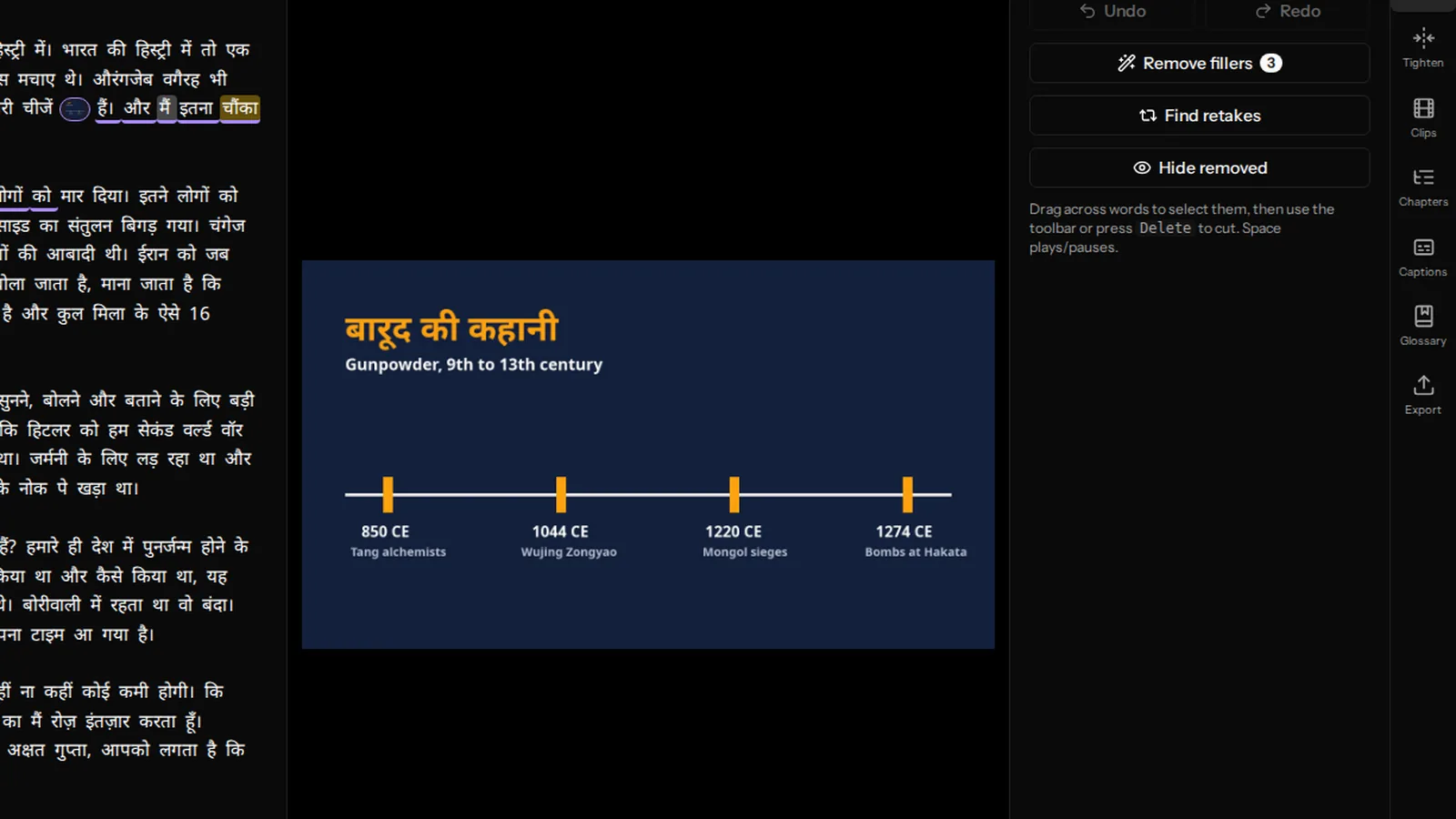
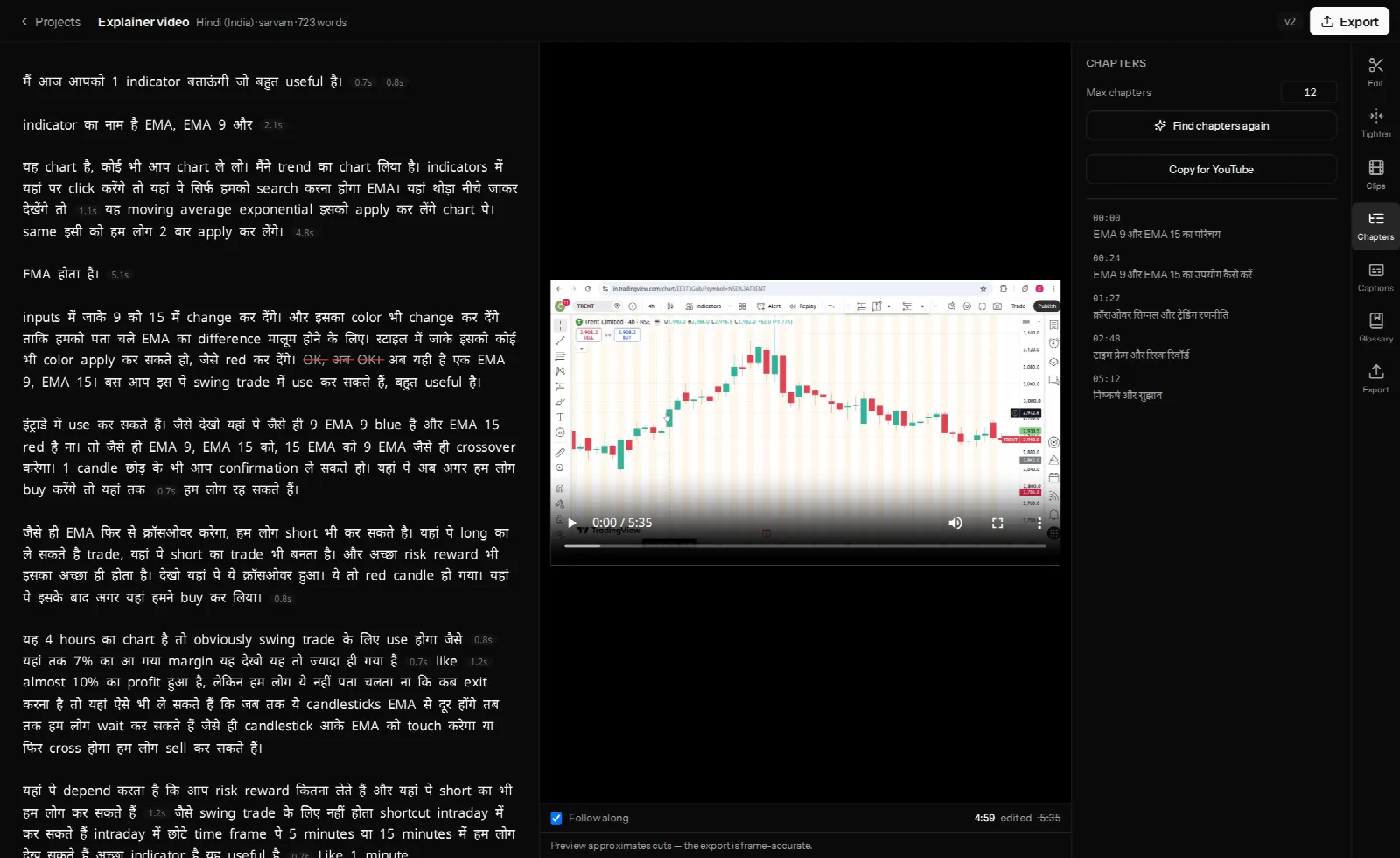
If you edit the video version of the episode from its transcript, you have it already — every word, timed, with speakers labelled, which is what makes the quotes and the links a search rather than a re-listen. VidCarve produces that transcript and the chapter list as part of editing; it does not write show notes for you, and it does not export the transcript as a document today, so the method above is copy-from-the-editor rather than download-and-paste. If your episode is audio-only, any transcription tool gives you the same raw material, usually with a TXT download; the checks to run on it are in how to transcribe a video to text.
Frequently asked questions
How long should show notes be?
Long enough to serve the three readers: two sentences of summary, the chapter list, three quotes, every link. That is usually 200–400 words plus the chapter block — not an essay, and not one line. Some shows publish the full transcript underneath, which is excellent for search and harmless for the other two readers, since it sits at the bottom.
Should I publish the whole transcript?
If you can, yes, below the notes. It is the most searchable text an episode can have and it is an accessibility feature. Proofread names and numbers first; the rest can stand.
Can AI write my show notes?
It can draft a summary from the transcript, and the draft is usually generic — "in this wide-ranging conversation…". The parts that matter to the second and third readers — the exact quotes, the complete link list, the consistent spelling of names — are retrieval and judgement, and take about as long to check as to do. Use a draft for the summary if you like; do the rest yourself from the transcript.
Do timestamps in show notes work in podcast apps?
Most major apps read a MM:SS Title line as a chapter marker and show a chapter list; some only make the timestamp tappable. Either way the list is useful text. Use the same block you use for YouTube.
Where do show notes go?
The episode description in your podcast host, which syndicates to every app, and the episode page on your site if you have one. The YouTube description gets the same block with the chapters at the top.
Next steps
- Add chapters and timestamps to a YouTube video — the chapter block, and the formatting rules.
- How to edit a video podcast, start to finish — where the transcript and chapters come from.
- Turn a long video into vertical clips — the other thing to publish alongside the episode.