Video Editing for Coaching Institutes: A Daily Lecture Workflow
A coaching institute can turn a recorded lecture into an edited YouTube video, captions and a handful of Shorts in less time than the lecture itself lasted — if the editing starts from the transcript instead of the timeline. This guide is the workflow, the costs and the plan sizes for institutes that record every day, in Hindi, Hinglish, Telugu or any other Indian language.
It is written for whoever owns the recordings at an institute: the director who also runs the YouTube channel, the one editor who handles every batch, or the teacher who records alone and has no editor at all.
The short version
- Record as you already do — a phone on a tripod or a classroom camera is enough. Clean audio matters far more than the picture.
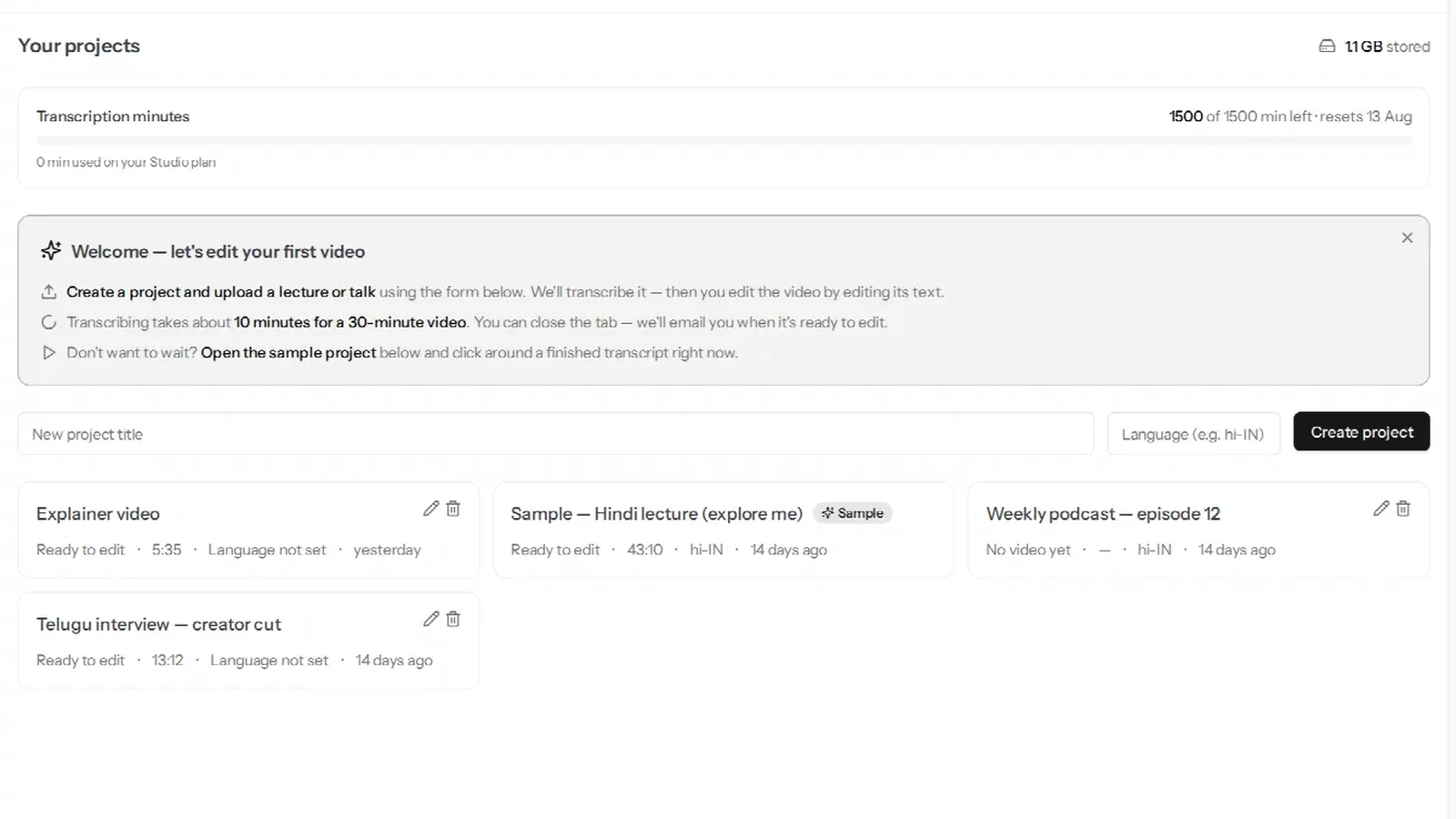
- Upload the file to VidCarve. A one-hour lecture comes back as a transcript in the language it was taught in.
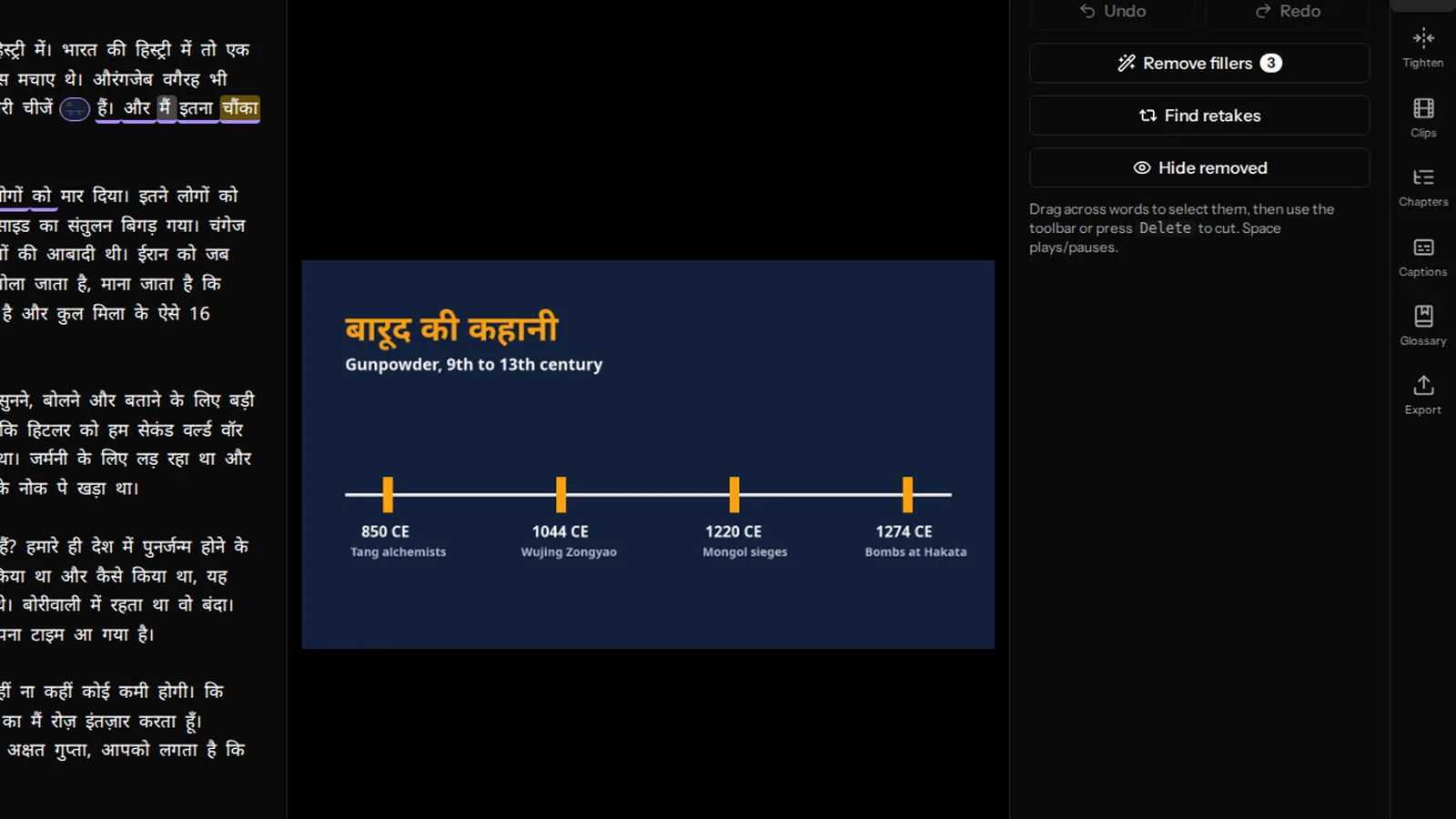
- Edit by deleting text: the attendance call, the board-writing silences, the sentence the teacher restarted three times.
- Remove fillers and tighten pauses in one click each.
- Export twice: the full lecture with burned-in captions for YouTube or your app, and 9:16 clips for Shorts and Reels.
Why lecture editing eats an editor's week
A lecture is long, unscripted and full of dead air. On a timeline, an editor has to scrub through all of it to find what to cut, so an hour of class easily costs two or three hours of editing. Multiply that by every batch and every subject, and the institute either hires more editors or uploads raw recordings that students skip through.
Transcript-based editing changes where the time goes. The lecture becomes text, and the editor reads it: a restarted sentence is visible at a glance, a five-minute digression is three paragraphs to strike out, and the silence while a diagram was drawn is removed by the pause-tightening tool rather than by hand. The cut follows the text automatically.
What matters for Indian-language lectures
Transcription in the language the class was taught in
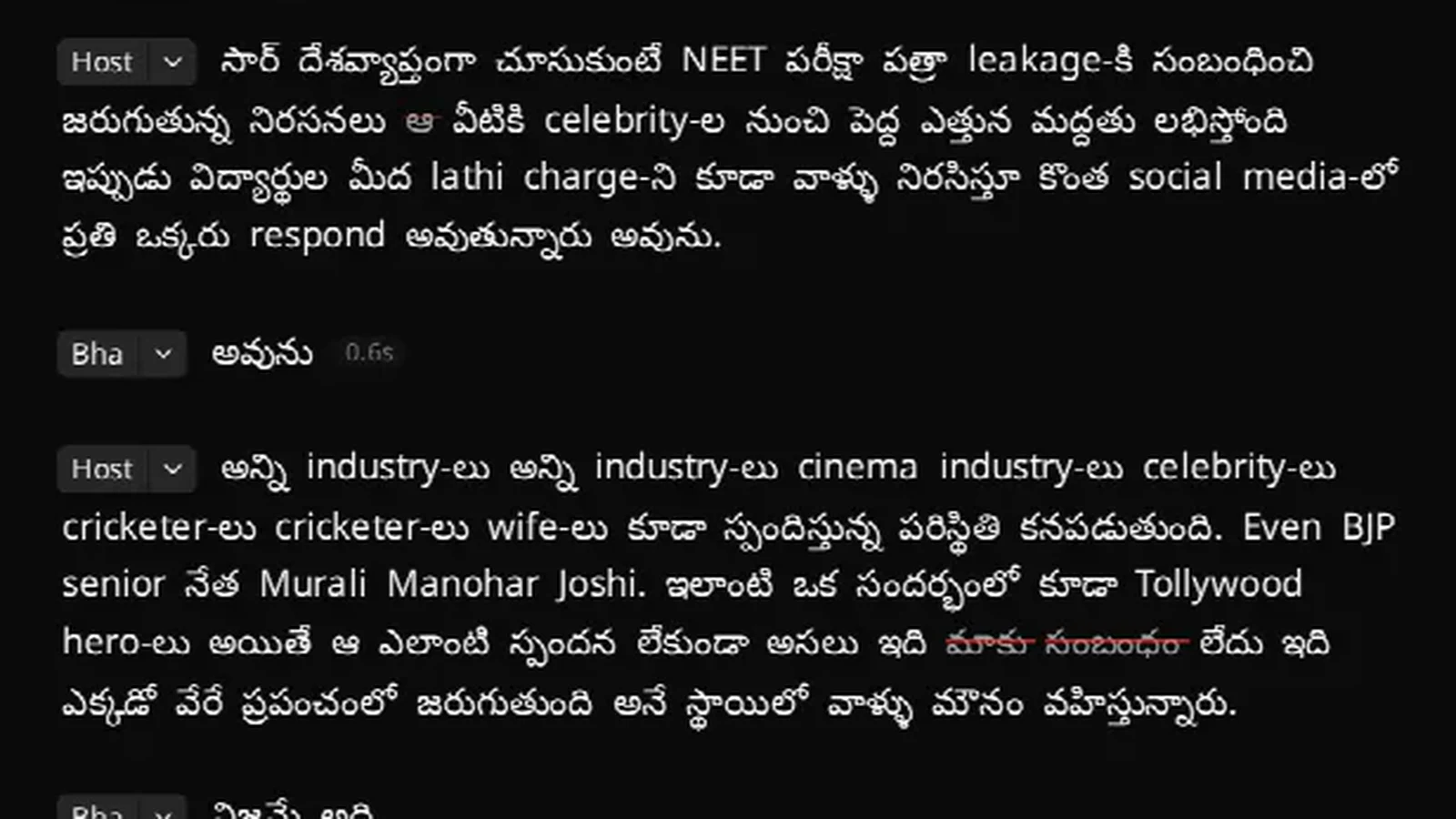
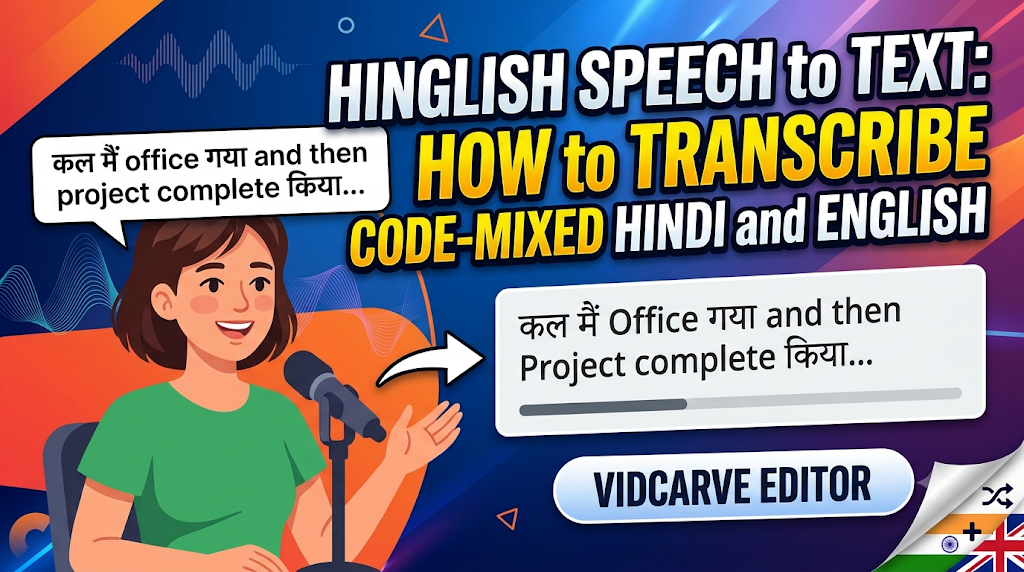
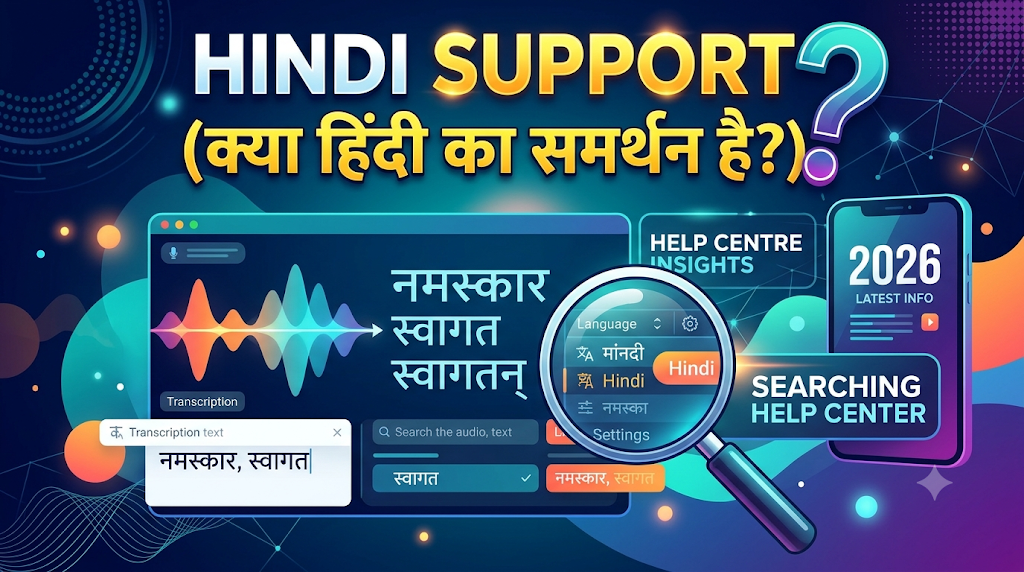
Most lectures in India are code-mixed: Hindi or Telugu with the technical terms in English. VidCarve transcribes 20+ Indian languages and handles that mix as it is spoken — a Hinglish lecture comes back as Hindi in Devanagari with the English terms in Latin script, not as an English translation. Why Hinglish breaks most transcription tools explains the difference.
A glossary for your subjects and faculty names
Every course has words a transcriber has never heard: theorem names, drug names, scheme names, the surname of your Polity faculty. Add them once to the account glossary and every lecture in the series spells them right. Details are in getting an accurate Hindi or regional transcript.
Captions that render the script correctly
Students watch on phones with the sound low. Burned-in captions in Devanagari, Telugu or Tamil need proper shaping so conjuncts and matras land in the right place, and VidCarve renders them that way in the exported file. See adding burned-in captions.
Shorts from the lecture itself
The clip finder reads the transcript and suggests the self-contained moments — a crisp explanation, a memory trick, a solved question — and exports them vertical with captions. One lecture a day becomes a steady stream of Shorts that point students back to the full course. See turning a long video into vertical clips.
A daily workflow that fits one editor
| When | What happens | Who |
|---|---|---|
| End of class | Upload the recording straight from the classroom laptop or phone | Teacher or coordinator |
| Usually less than the lecture's length | Transcription runs; nobody needs to wait at the screen — an email arrives when it is ready | Automatic |
| About 15 minutes per lecture | Read the transcript, strike the admin and restarts, remove fillers, tighten pauses | Editor |
| About 5 minutes | Export the full lecture with captions; pick two or three clips for Shorts | Editor |
The teacher's time is untouched, and the editor reads instead of scrubbing. The step that still needs a person is judgement — what to keep — which is the part worth paying an editor for.
What it costs
VidCarve is billed in rupees through Razorpay (UPI, cards or netbanking), by hours of transcription per month. Every paid plan exports 1080p without a watermark.
| How much you record | Plan | Price per month | Hours included |
|---|---|---|---|
| Trying it on a few lectures | Free | ₹0 | 30 minutes (720p, watermark) |
| A few lectures a week | Creator | ₹499 | 5 |
| One lecture most days | Pro | ₹999 | 10 |
| Daily lectures | Studio | ₹2,499 | 25 |
| Several batches a day | Institute | ₹7,999 | 100 |
The Institute plan works out at about ₹80 per lecture hour, against roughly ₹100 on the other paid plans. It is arranged directly rather than through checkout: see the pricing page and get in touch, and we set it up with you on a call, including your glossary. Minutes and top-ups are explained in how VidCarve's minutes and plans work.
Where VidCarve is not the answer
- Multi-camera productions. VidCarve edits one recording at a time. A three-camera studio shoot with cutaways belongs in a timeline editor.
- 4K. Exports top out at 1080p.
- Subtitle files. Captions are burned into the video; there is no SRT export for an LMS that wants a separate subtitle track.
- Translation and dubbing. VidCarve transcribes and captions in the language that was spoken. It does not translate a Hindi lecture into Tamil.
Try it on one of your lectures
The free plan covers a 30-minute lecture with no card. Upload one real class — not a test clip — and you will know within the hour whether the transcript is good enough for your subjects. The step-by-step version is in how to edit a recorded lecture.