How to Convert a Telugu Video to Text (and Edit It)
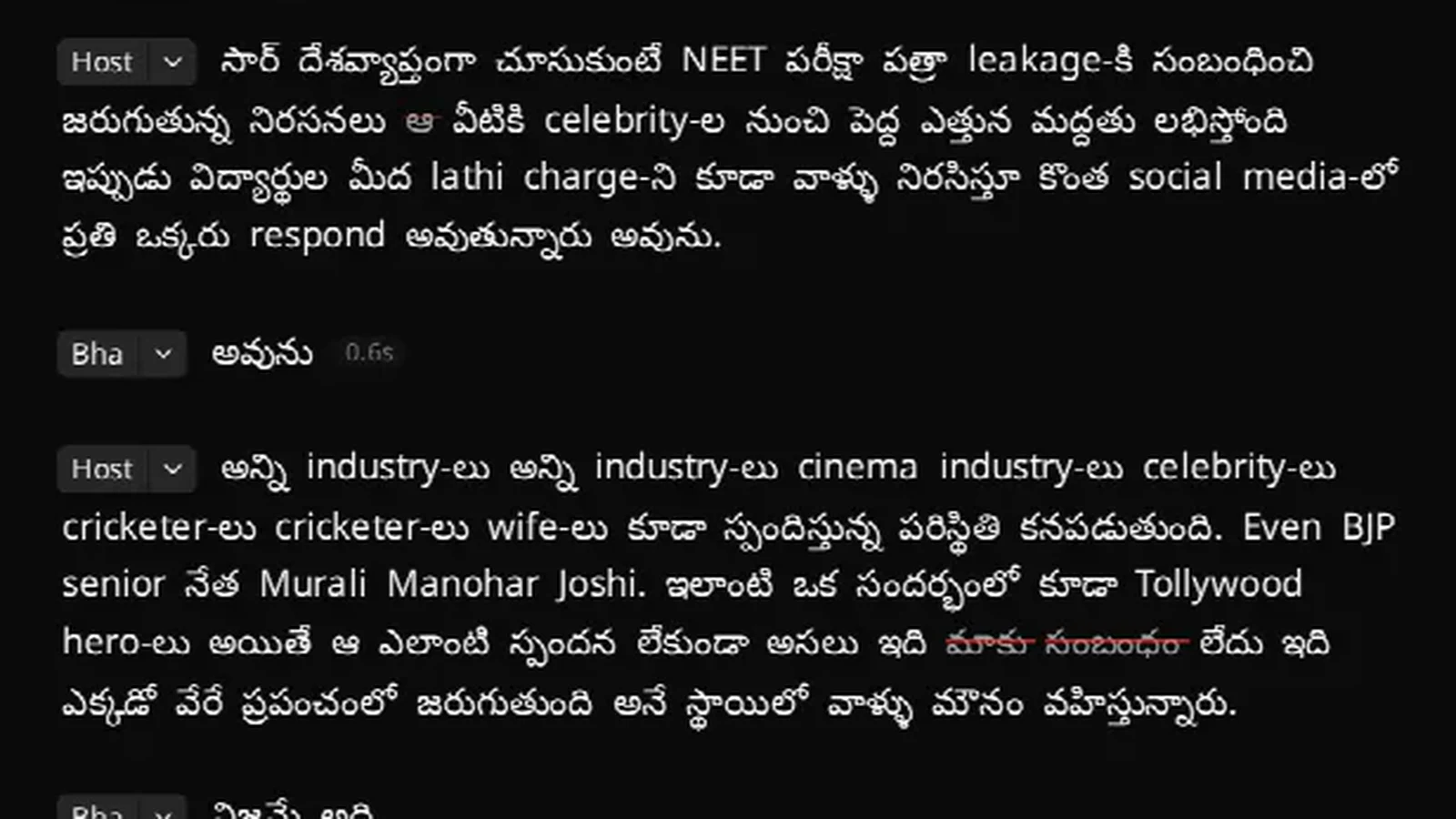
To convert a Telugu video to text, upload it to a transcriber that supports Telugu natively — not one that translates — and check how it handles the English words most Telugu speakers mix in. VidCarve transcribes Telugu in Telugu script, keeps English terms in English, and turns the transcript into an editor: delete a line of text and that part of the video is cut. The free plan covers 30 minutes a month without a card.
This guide covers lectures, YouTube videos, interviews and podcasts in Telugu or Tenglish, and the same steps work for Tamil, Kannada, Malayalam and the other Indian languages VidCarve supports.
What to look for in a Telugu transcription tool
| Question to ask | Why it matters |
|---|---|
| Does it transcribe Telugu, or only translate it? | Many global tools list Telugu for translation or subtitles but transcribe only a handful of languages. A translation cannot be edited word for word against your video. |
| What happens to English words? | "Group 2 syllabus", "Python loop", "subscribe" — a Telugu-only model mangles these; an English model translates the Telugu. You want both kept as spoken. |
| Do captions render Telugu script correctly? | Telugu vowel signs and conjuncts need proper text shaping. Check an exported file, not just the preview. |
| Can you fix names and terms once? | Faculty names, place names and subject terms recur in every video. A glossary saves correcting them every time. |
How to transcribe a Telugu video in VidCarve
- Sign up with Google or email — no card for the free plan.
- Add your terms to the glossary (Settings → Glossary) before uploading: names, course titles, technical words, in Telugu or English script.
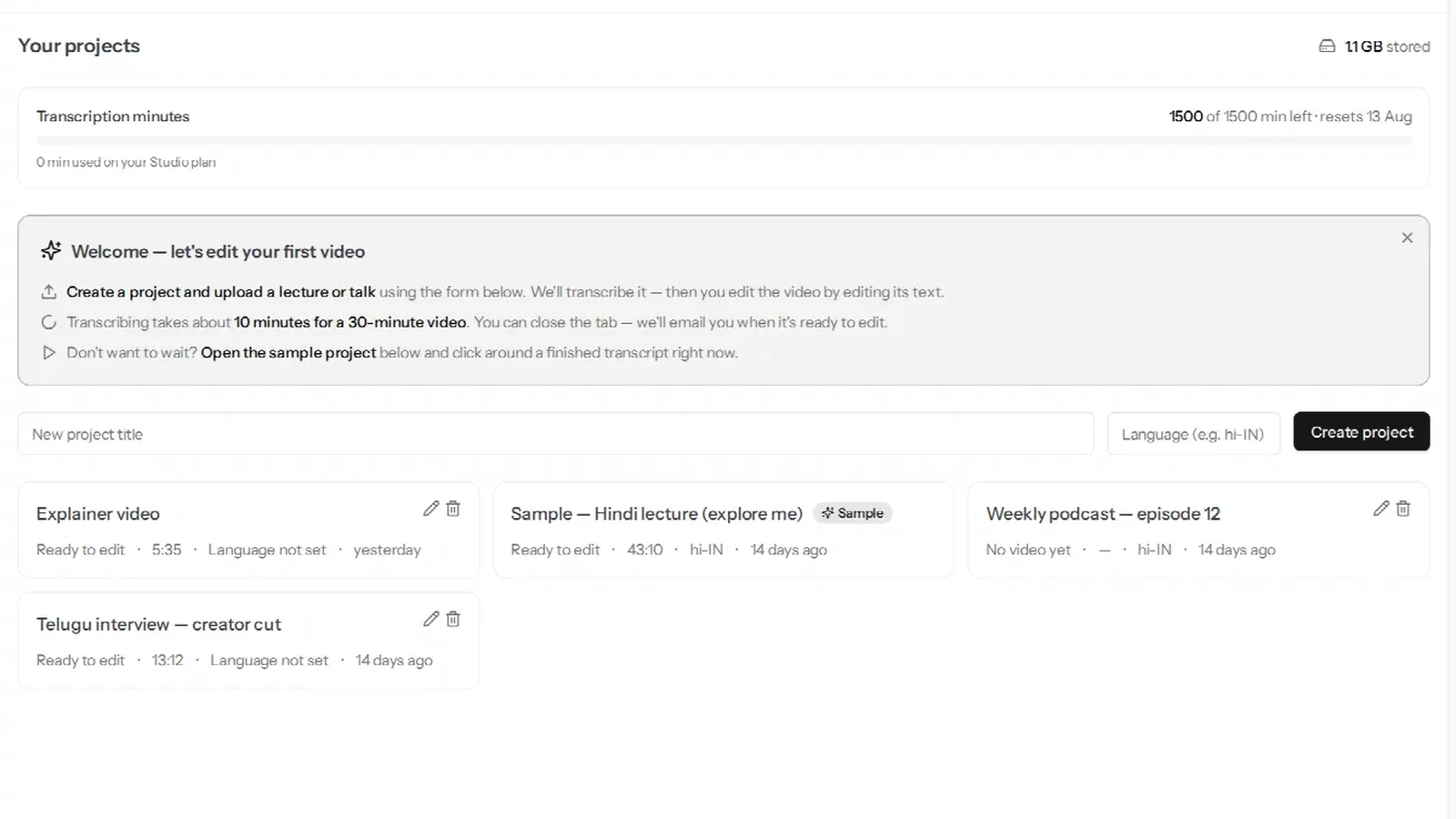
- Create a project and upload the file (mp4, mov, mkv, webm, mp3, wav or m4a, up to 5 GB). Leave the language on auto-detect, or choose Telugu.
- Turn on Multiple speakers for an interview or podcast so each voice gets its own label; leave it off for a solo video.
- Wait for the email. The transcript appears in Telugu script, with English words in Latin script exactly where they were spoken.
Edit the video from the Telugu text
- Cut by deleting text. Select a sentence and delete it; the video follows. Every change is undoable and your original file is never modified.
- Remove hesitations. One click removes "ఉమ్", "హ్మ్" and a drawn-out "ఆ…". See removing filler words, silences and retakes.
- Tighten pauses left while writing on a board or thinking between points.
- Add Telugu captions burned into the export, styled your way. See adding burned-in captions.
- Make Shorts. The clip finder suggests self-contained moments and exports them vertical. See turning a long video into vertical clips.
Tenglish: Telugu mixed with English
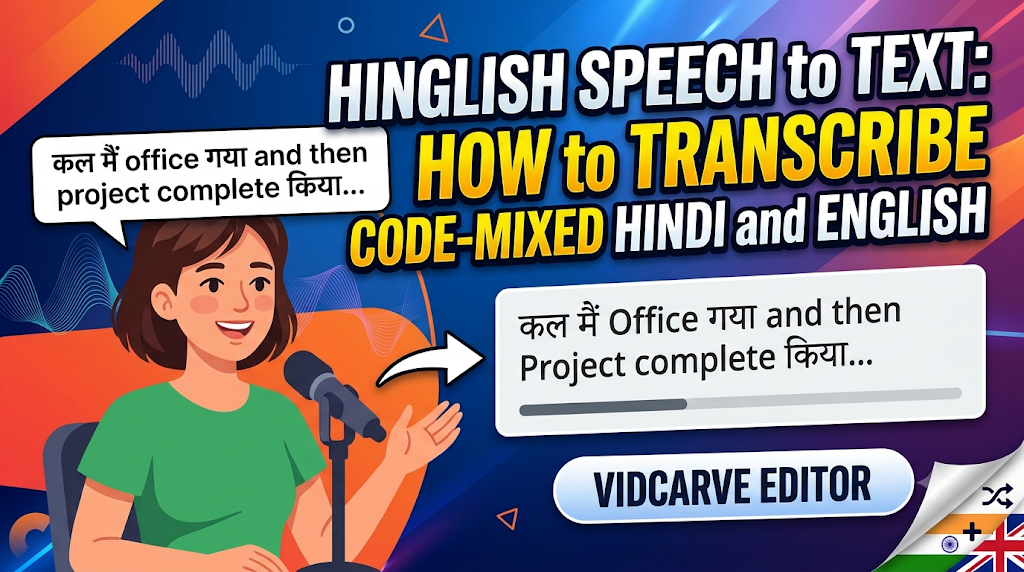
Most Telugu speech on YouTube is mixed: "ఈ రోజు మనం Group 2 syllabus గురించి discuss చేద్దాం". VidCarve's language detection resolves that mix to Telugu, so the Telugu is transcribed in Telugu script and the English stays in English on the same line. The Hinglish guide explains why one-language-per-file tools struggle with this.
What it costs
Free: 30 minutes a month, on videos up to 30 minutes each, 720p exports with a small watermark. Paid plans are Creator ₹499 for 5 hours a month, Pro ₹999 for 10 hours and Studio ₹2,499 for 25 hours, all with 1080p and no watermark, paid by UPI, card or netbanking. Coaching institutes that record every day can ask about the Institute plan on the pricing page.
Limits worth knowing
- Captions are burned into the video; there is no SRT or text-file export.
- VidCarve transcribes what was said; it does not translate Telugu into English or Hindi.
- Exports top out at 1080p.
- Clear audio matters most: a mic near the speaker gives a far better transcript than a camera across the room.